
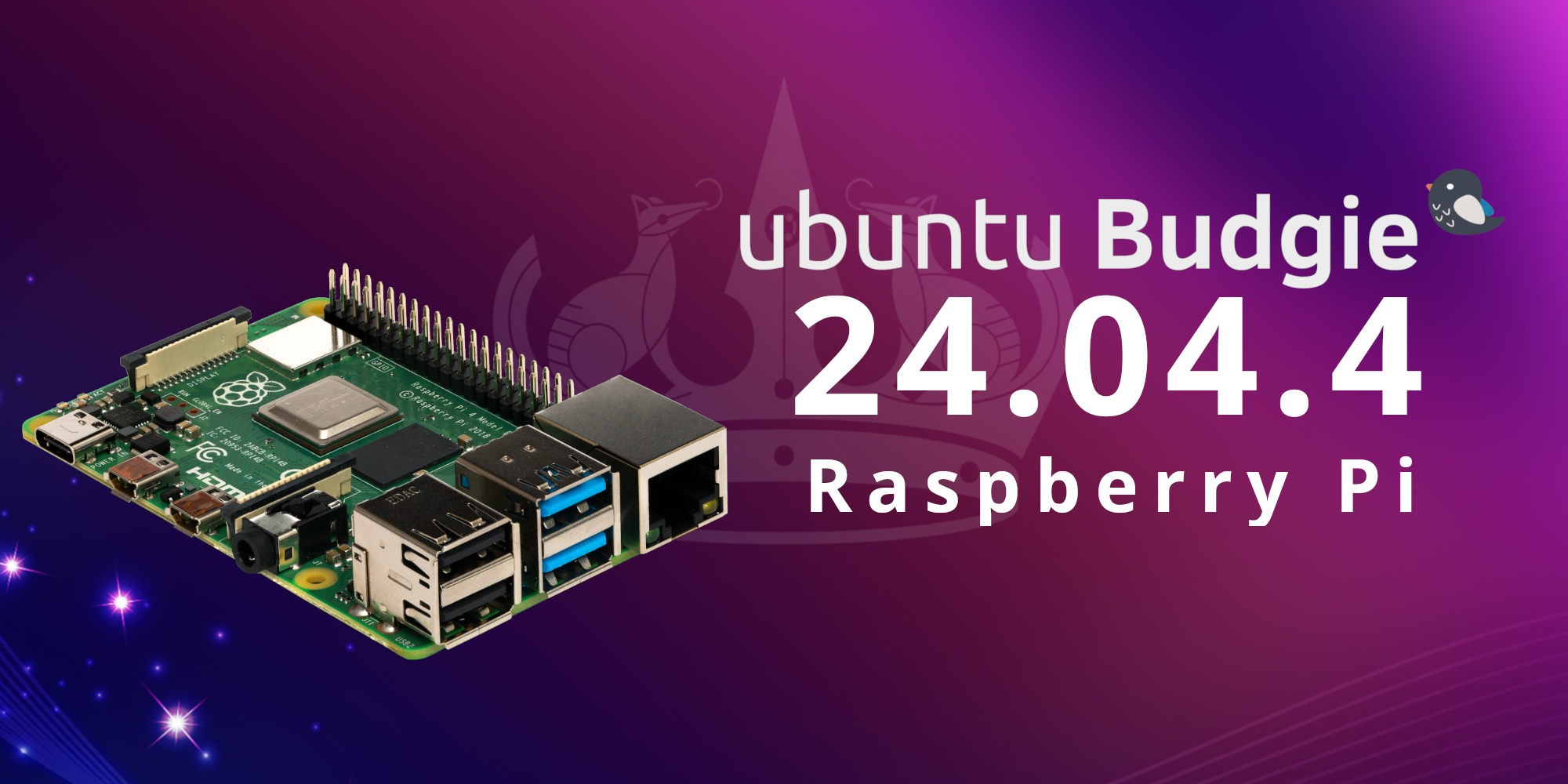
Ubuntu Budgie 24.04.4 for Raspberry Pi
Announcement and Instructions for the Ubuntu Budgie 24.04.4 Raspberry Pi image

Ubuntu Budgie 24.04.4 for Raspberry Pi
I’m happy to share the Ubuntu Budgie 24.04.4 image for the Raspberry Pi 4 Model B and Raspberry Pi 5. This project aims to provide a familiar Ubuntu Budgie experience from the very first boot. Admittedly, it was a while coming, however we were able to work out the issues that prevented us from offering a quality experience we were happy with.
Downloads
The latest Raspberry Pi image can be downloaded directly from the Ubuntu Budgie SourceForge project or as a direct link from our Downloads page:
Download: https://sourceforge.net/projects/budgie-remix/
System Requirements
- Raspberry Pi 4 Model B or Raspberry Pi 5
- 4 GB RAM
- 16 GB microSD card
Note: The image is approximately 3GB compressed, 11 GB uncompressed, so a 32 GB microSD card is recommended.
Features
- Ubuntu Budgie 24.04.4
- Supports Raspberry Pi 4 Model B and Raspberry Pi 5
- Built using Ubuntu’s official
ubuntu-imagetool - Budgie Desktop installed out of the box
- First-boot OEM setup
- Includes the Ubuntu Budgie Welcome application
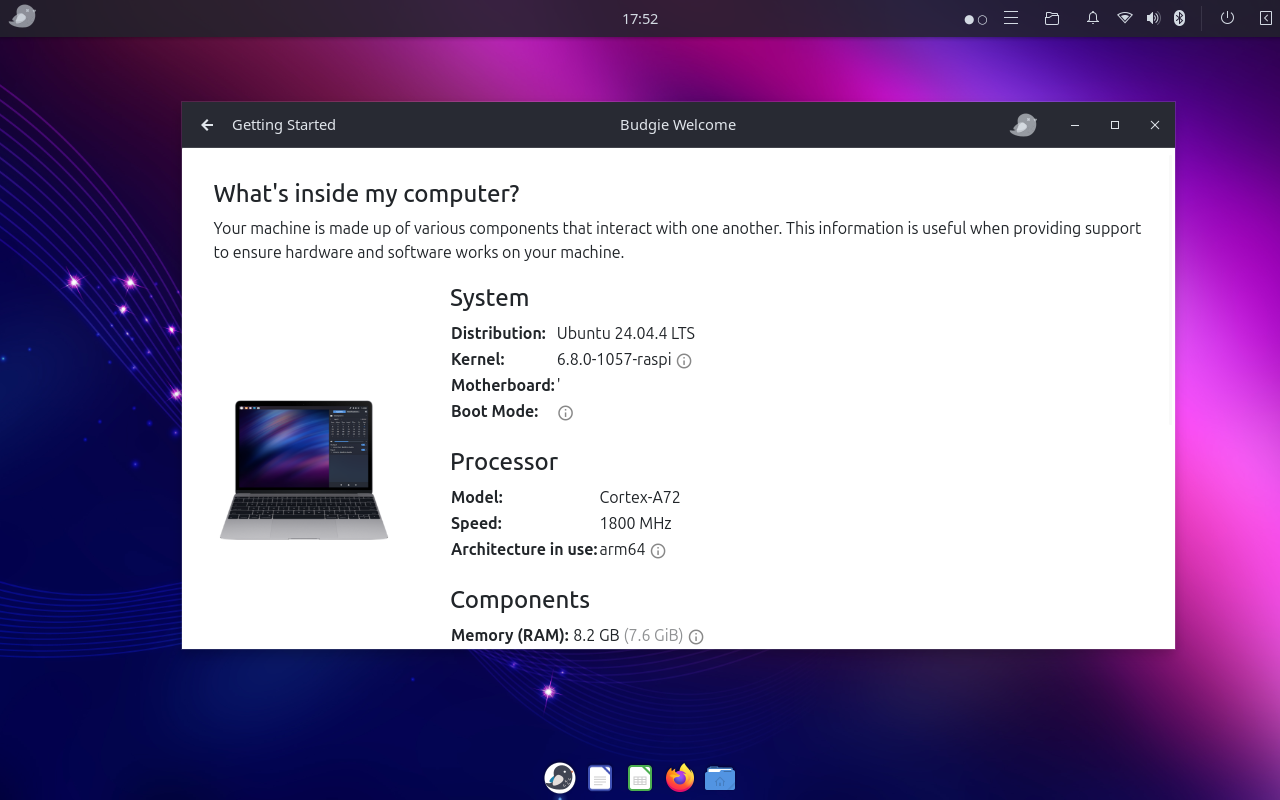
Built Using Ubuntu’s Official Image Tooling
Unlike earlier images that were created by modifying the existing Ubuntu Desktop image, this release is built using Ubuntu’s official ubuntu-image tool. This provides a build process that anyone in the community can inspect, reproduce, and contribute to.
The complete image definition, supporting files, and instructions are available in the Ubuntu Budgie UBPi GitHub repository:
Build Instructions & Source: https://github.com/UbuntuBudgie/UBpi/tree/main/ubuntu-budgie-images
Installation
- Download the latest Ubuntu Budgie Raspberry Pi image from the SourceForge downloads page:
- Write the image to a microSD or USB drive using your preferred imaging tool. Gnome Disks is included with Ubuntu Budgie by default and works well.
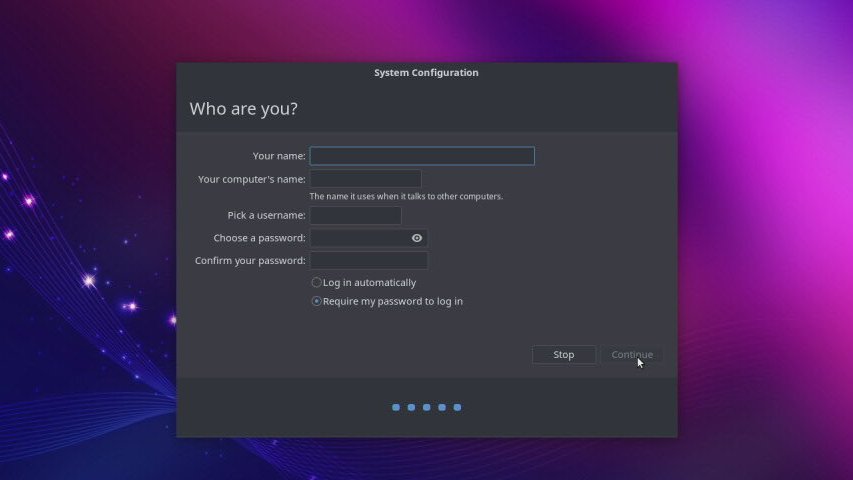
- On first boot, you will be presented with the OEM configuration
- After login Ubuntu Budgie Welcome will launch and you can:
- Install additional software or applets
- Change Themes and Layouts
- Learn more about Ubuntu Budgie
Known Issues
- On the Raspberry Pi 5, the mouse cursor will flicker. This is a known issue and does not affect overall system stability or desktop functionality. We are looking at how to resolve this, as it can be annoying. This does not affect the Pi 4.
- Upgrading to our Wayland-based 26.04 desktop so far has worked well.
Support
Questions, bug reports, and feedback are always welcome.
https://discourse.ubuntubudgie.org/
Testing on different Raspberry Pi models and hardware configurations is greatly appreciated. Every report helps improve future releases.